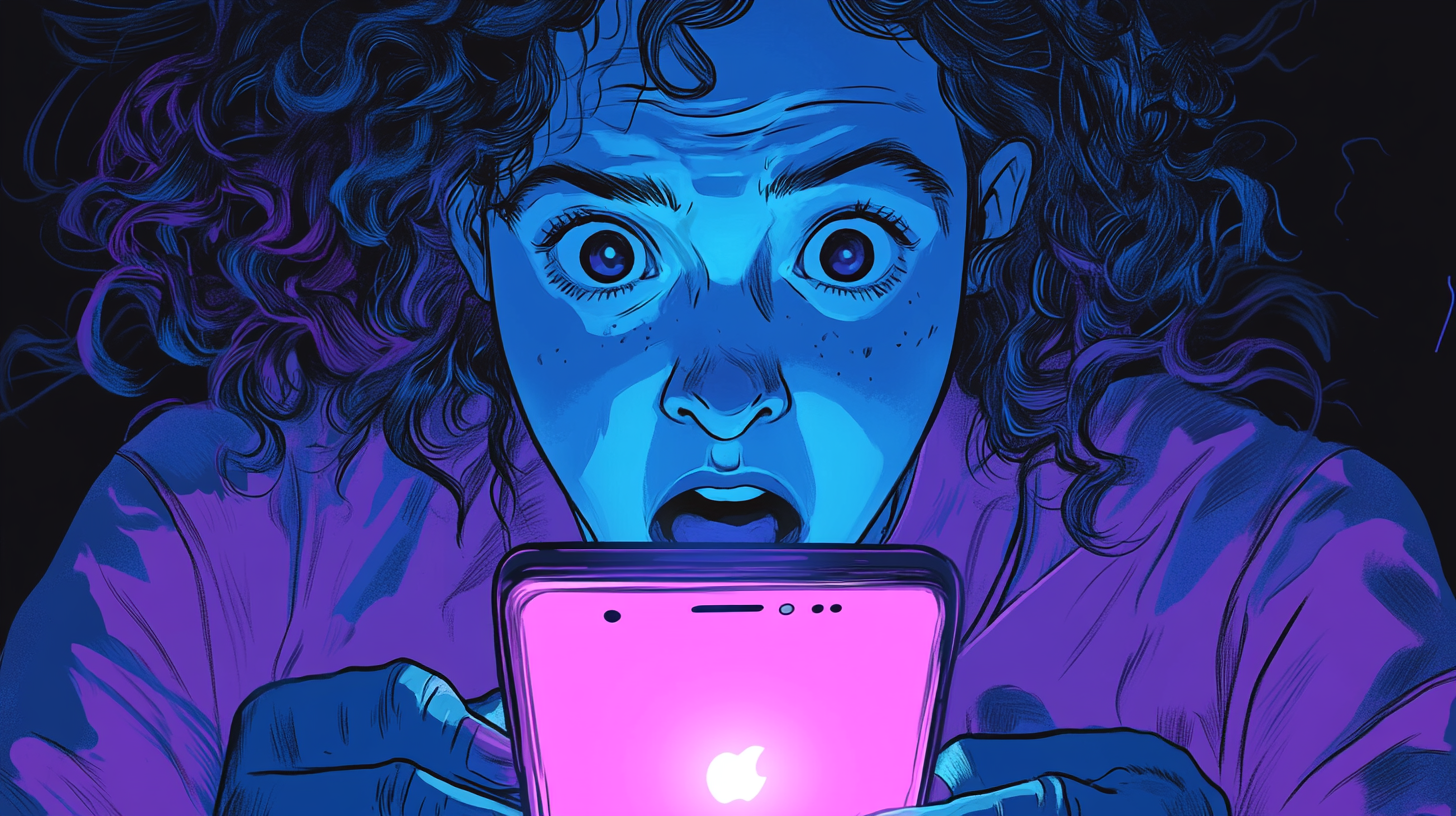
Thankfully, this is mostly a thing of the past.
Why You See Fewer Auto DMs Today
Twitter (now X) has cracked down on unsolicited messaging by:
- Restricting API access for third-party automation tools
- Implementing spam filters and account penalties
- Encouraging users to limit who can message them
These changes have dramatically reduced auto DMs, but a few may still slip through, especially from bots or aggressive marketers.
How To Minimize or Stop Auto DMs
While you can’t block all automated messages completely, you can reduce them significantly:
- Limit Who Can DM You
- Go to Settings > Privacy and Safety > Direct Messages
- Disable “Allow message requests from everyone”
- This restricts DMs to people you follow
- Turn On the Quality Filter
- Also under Privacy and Safety, enable the Quality Filter
- This automatically hides low-quality or likely spam messages
- Report, Mute or Block Offenders
- If you get a suspicious DM, open it and tap Report, Mute or Block
- This helps clean your inbox and informs Twitter’s spam filters
What Happened to the Old Opt-Out Tools?
Services like SocialToo, TweetLater, SpyMaster and others that once offered opt-out DMs have all either shut down or lost access to Twitter’s API. You no longer need to opt out from them individually.
Final Thoughts
Auto DMs aren’t the problem they once were, but staying vigilant with your DM settings will keep your Twitter experience cleaner and more focused.
If you’re still seeing auto DMs regularly, it might be time to review who you follow and consider cleaning house.